image to image
Online Photo Editor With Text Prompts
Upload a photo, describe the change in plain words, and get a finished picture back at 1K, 2K or 4K.
Underlying model: gpt-image-2-5-sunburst-image-to-image. Outputs are AI-generated. Review accuracy and usage rights before use.
Your recent results
Your result will appear here. You can leave this page and return later.
Price
2 credits per generation· From $5.99 for 40 credits
Examples
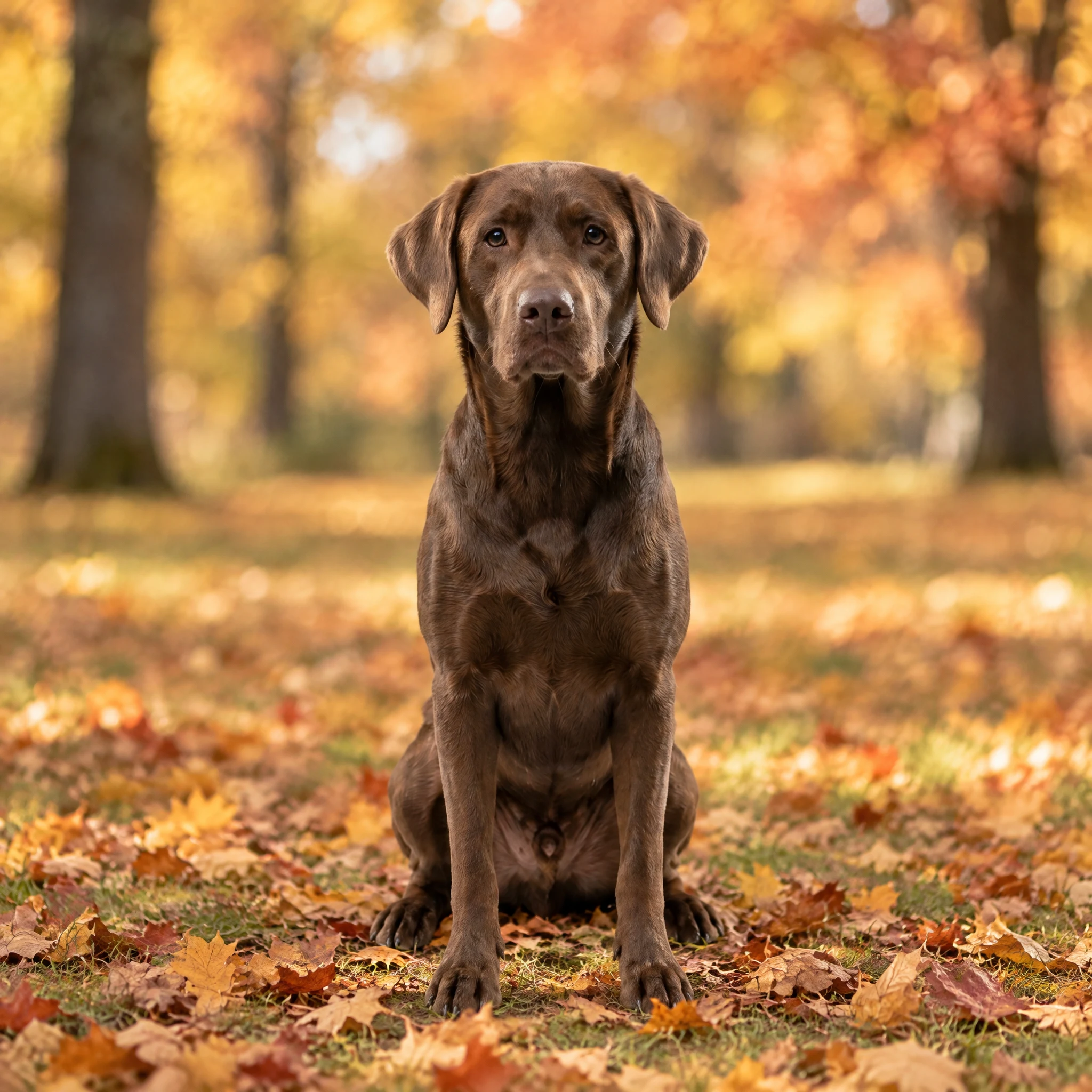
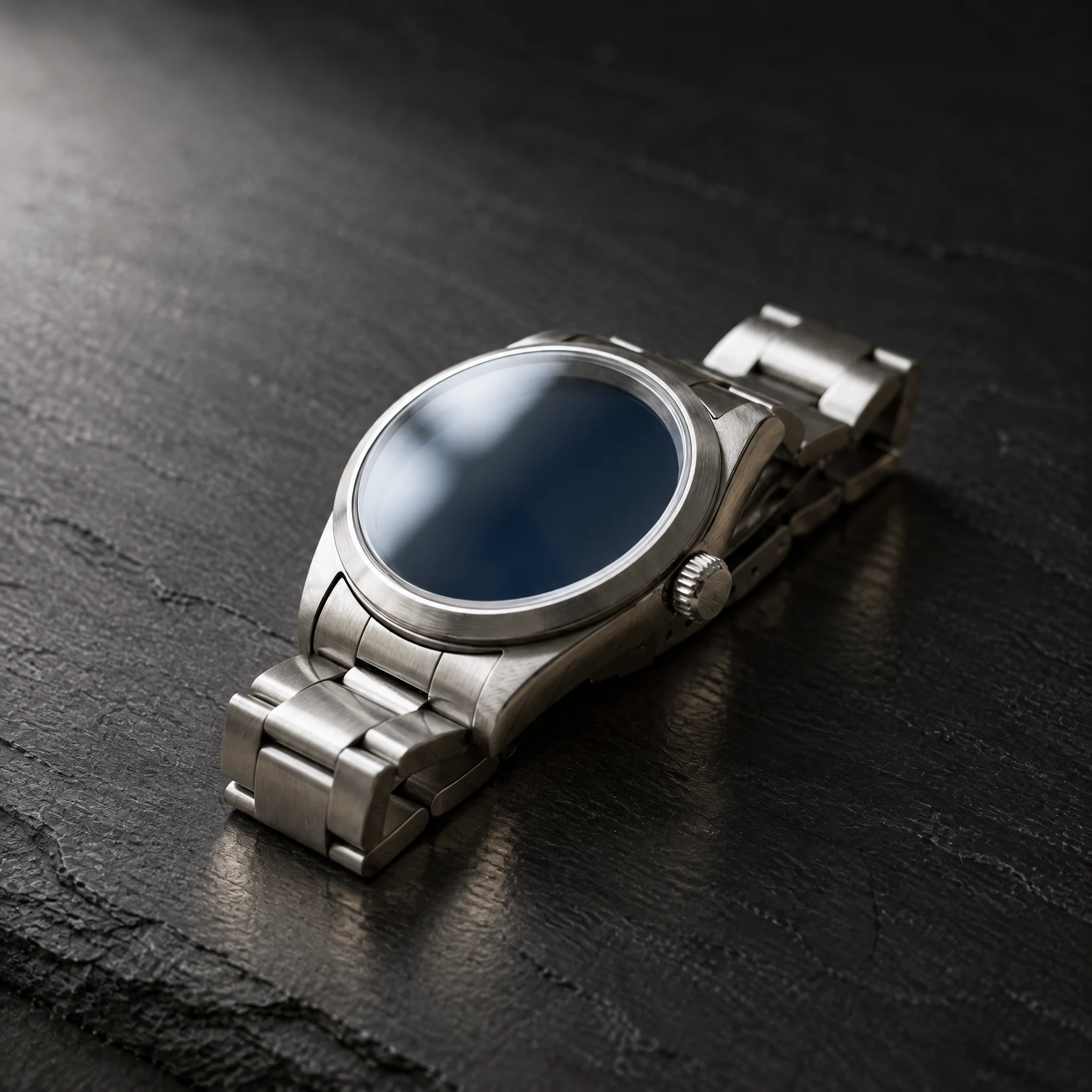
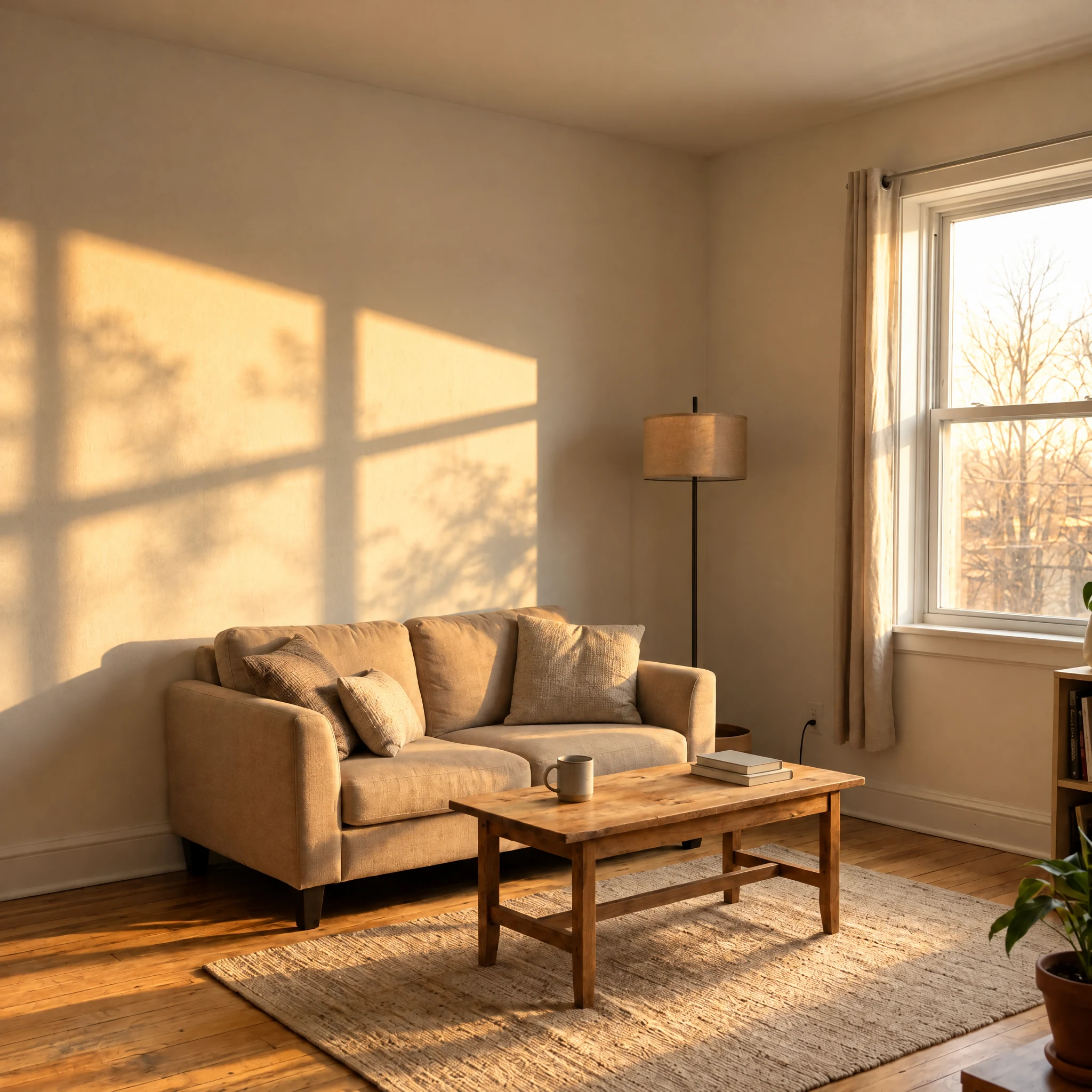
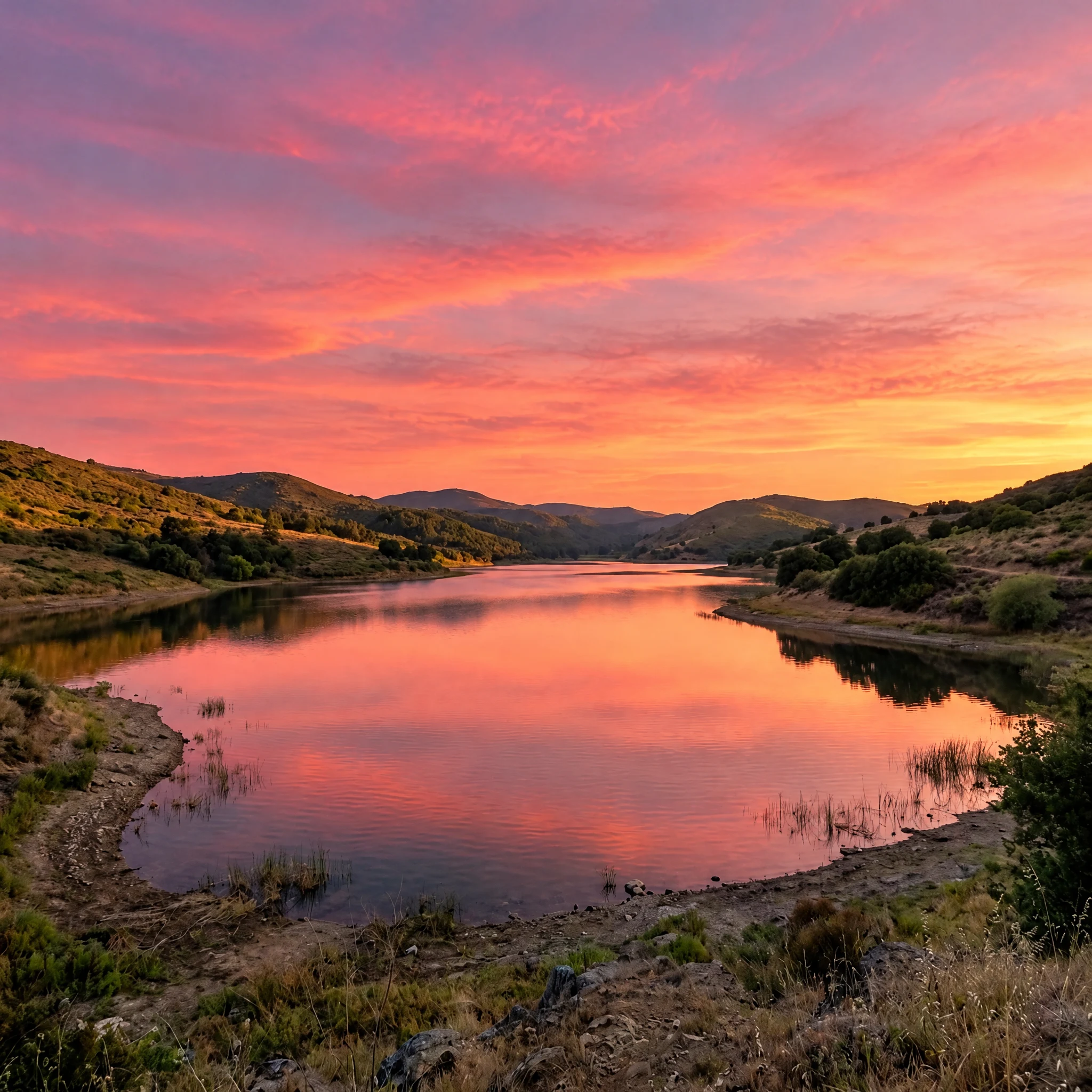
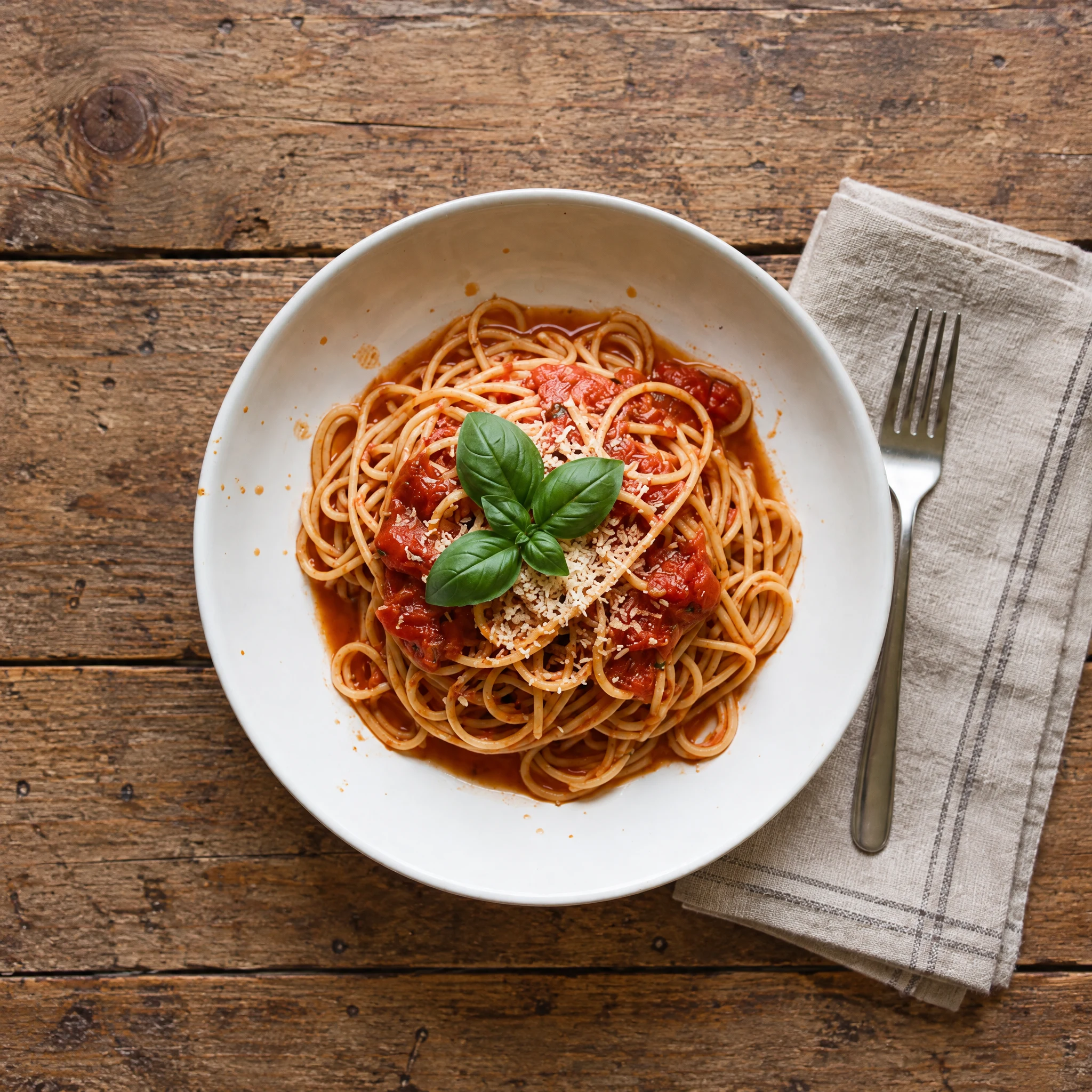
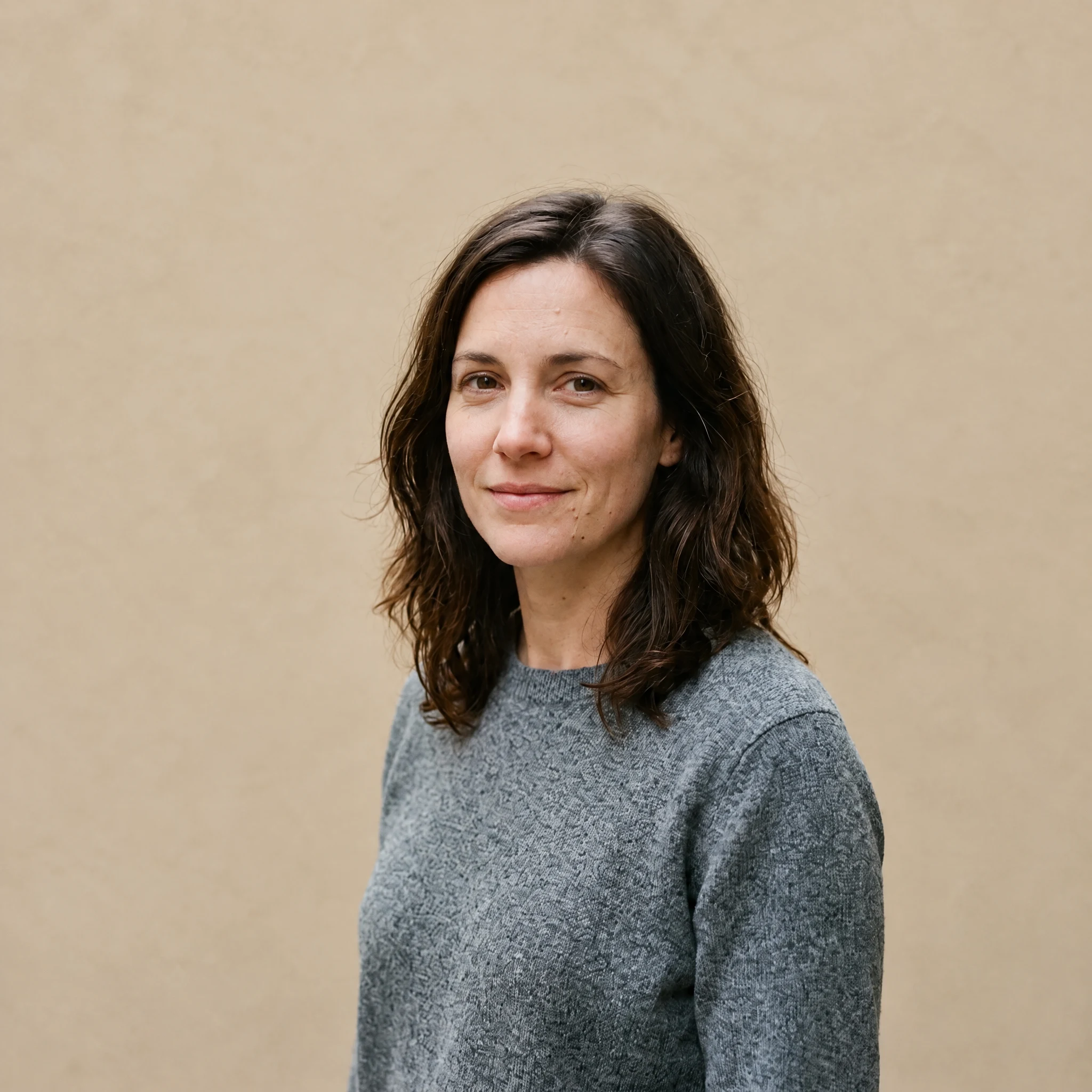
A photo editor that takes instructions in words
Lenskoi edits a photo you upload by following a sentence you write. You describe the change you want — warmer light, a cleaner background, a different sky — and the model rebuilds the picture with that change, aiming to leave the rest of the frame as it was. There are no sliders, no layers and no brushes to learn first.
It is built for the photo you already have rather than a photo you have to set up: a pet on the sofa, a watch on a desk, a room that looked better in person, a plate of food under a kitchen light, a lake on a grey afternoon, or a portrait with a background you would rather not keep.
You pick the output size before you generate. 1K is about a megapixel and enough to check an idea, 2K is about 4 megapixels and covers most screens and social sizes, and 4K is about 8 megapixels for printing, a large display, or cropping into a detail afterwards. The exact pixel size follows the shape of your original. Each tier is a separate price, so a quick test never costs the same as a final image.
Every upload and every finished image is checked automatically before it reaches you. Photos with people carry one extra rule: it has to be you, or an adult who agreed to this use of their picture, and everyone in the frame must be 18 or older. The editor asks for that confirmation on each new photo before it generates.
Questions
How much does one edit cost?
A 1K edit costs 1 credit, a 2K edit costs 2 credits and a 4K edit costs 4 credits. New accounts get 2 credits, which is enough for one 2K edit or two 1K edits before you buy anything.
What happens if an edit fails?
Credits are debited when the edit starts. If the model reports a failure, or the finished image does not pass our automatic safety check, those credits are returned to your balance once, automatically.
Which photos does it work best on?
Clear photos of one subject work best: a pet, a product, a room, a plate of food, a landscape, or a portrait of yourself. Very dark, very small or heavily compressed photos give the model less to work with, and a busy scene with many small objects is harder to edit cleanly than a simple one.
Can I edit a photo that has people in it?
Only if it is a photo of you, or of an adult who has agreed to this use of their picture. Everyone in the photo must be 18 or older and no public figures are allowed. The editor asks you to confirm this once for each new photo before it generates, and a photo with a face cannot run until that confirmation is given. The photo and the result are both checked automatically.
Does the edit keep my photo’s shape?
Yes. The model works at the shape of the photo you upload, so a square photo stays square and a tall phone photo stays tall. The size you pick sets how many pixels come back, not the proportions: a 3:2 photo at 2K came back at 2512 × 1664, and square test photos at 1K ranged from 1024 × 1024 to 1254 × 1254. Nothing is cropped or stretched.
What can I upload?
A JPG, PNG or WebP photo up to 3 MiB. Send the largest original you have: the model reads the photo you give it, and a screenshot keeps far less detail than the file your camera wrote.
How long does one edit take?
There is no fixed time: it depends on the output size you pick and on the model’s queue. You can leave the page: the edit keeps running and the result is saved to your account once it passes the safety check.