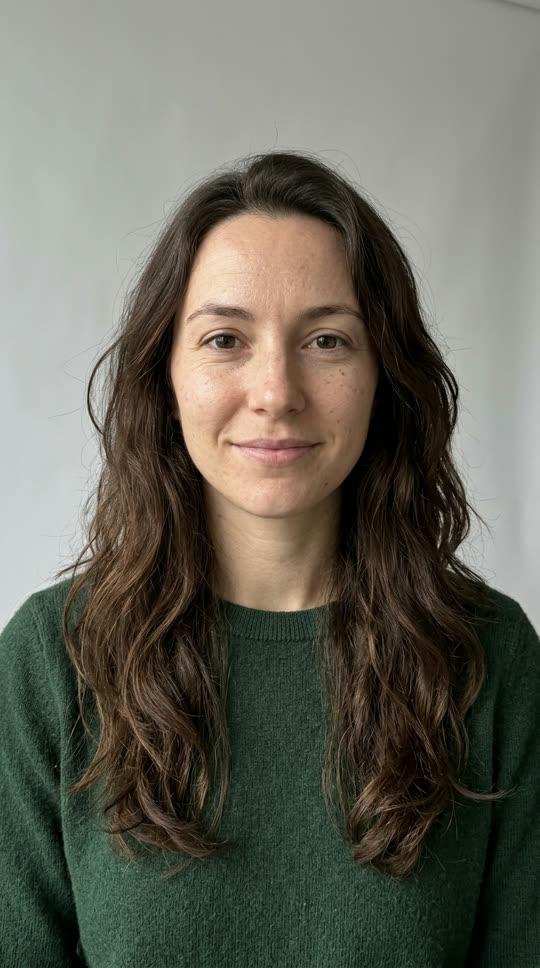
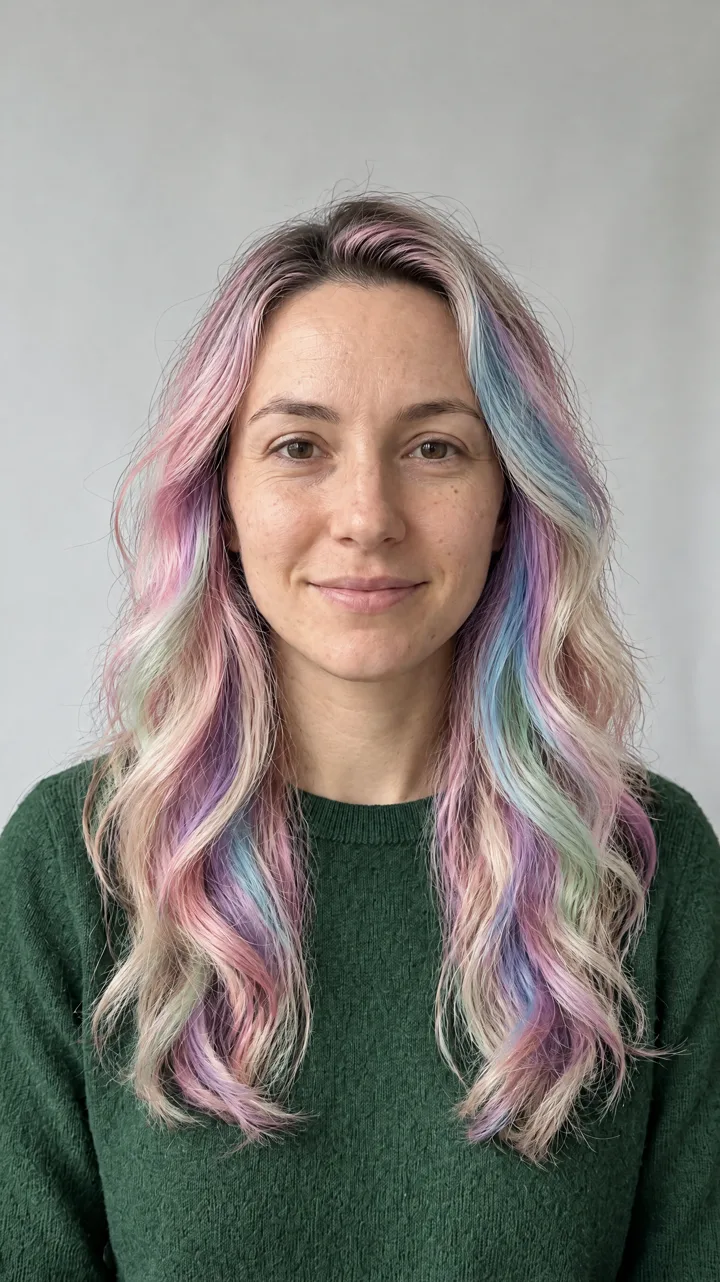

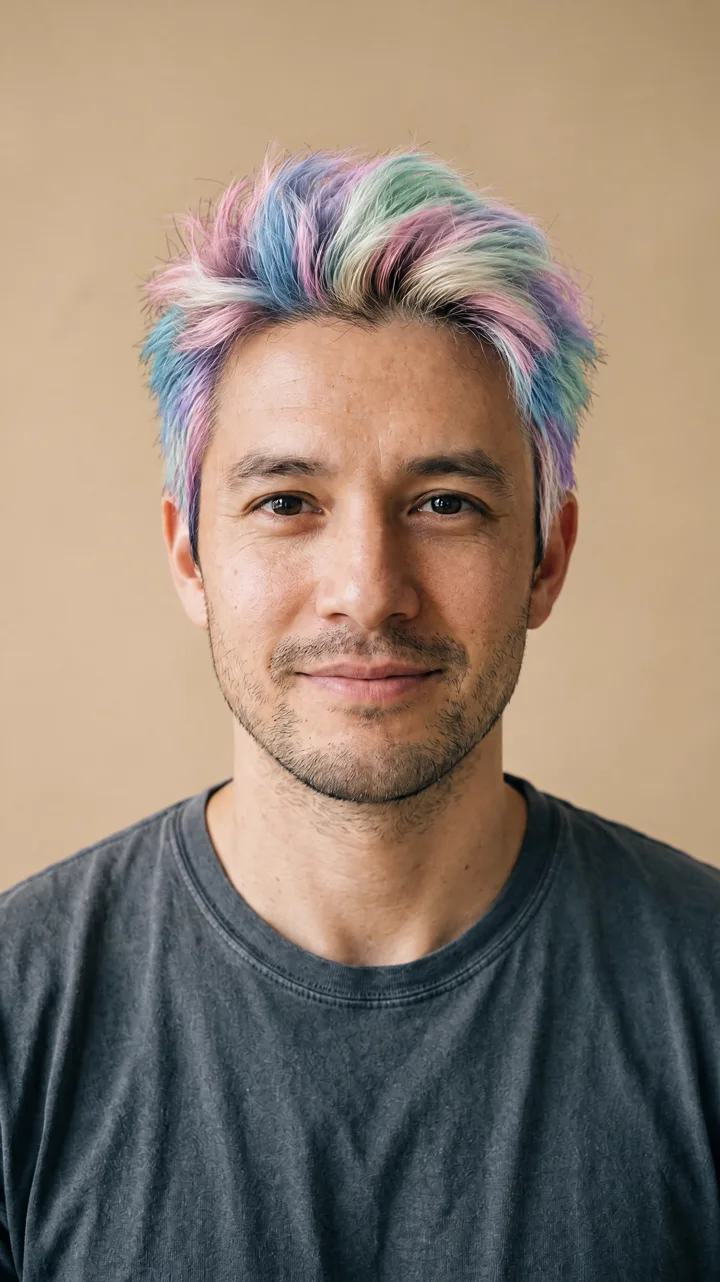

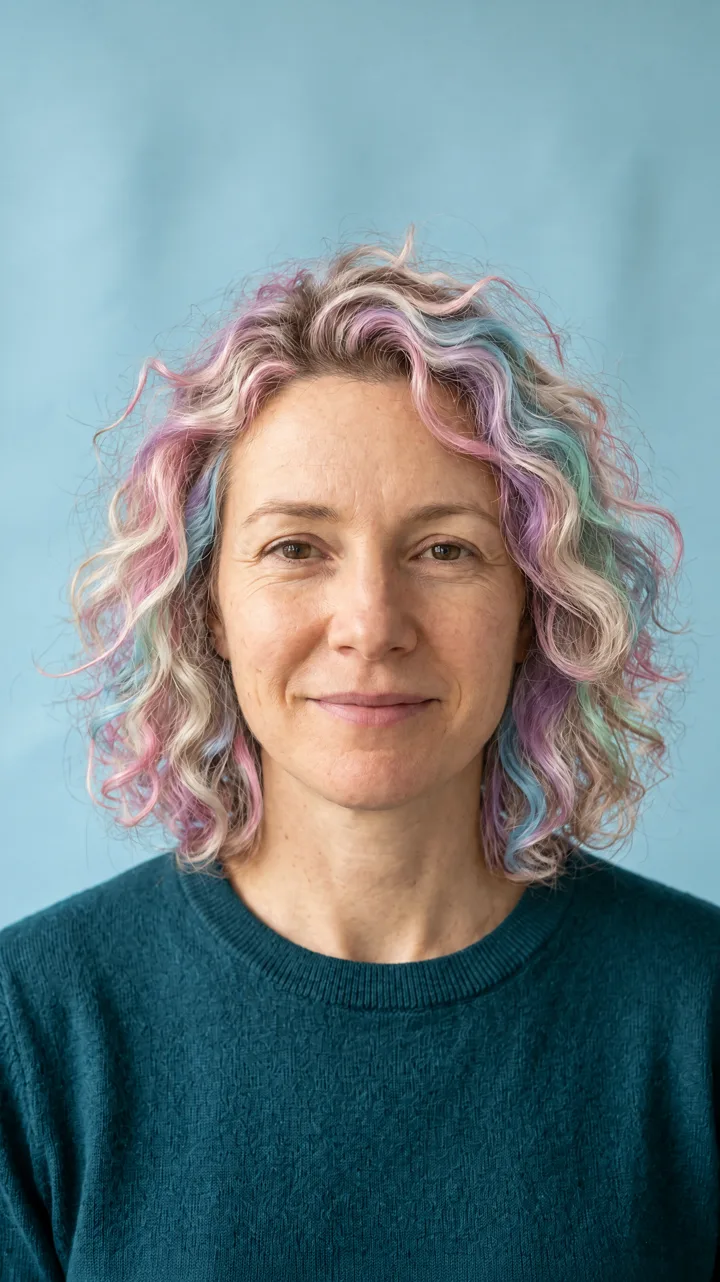
What this tool does
This tool recolors the hair in your photo with a soft unicorn palette: baby pink, sky blue, mint green, lavender and platinum blonde. It keeps your face, expression, clothes and background, so the result reads as a photo of you with new hair rather than a costume. The delivered image is 2K.
Each result is newly generated from your uploaded photo. No part of an existing clip or another person's picture is reused.
Where the trend comes from and how ours differs
Unicorn and cotton-candy hair clips keep returning to short-video apps because the color shift is instant and easy to recognize. Most of those clips are dye tutorials or slideshows of already-dyed hair.
Our version is a photo tool: one upload and a fixed prompt. It does not use the original video, its audio, or any creator's footage, and it is not affiliated with those creators or platforms.
How to use it
Upload a clear photo where your hair is fully in frame, choose Generate, and wait for the result. The tool works from the single photo you provide; no prompt writing is needed.
If the first result is not the color balance you wanted, try a different photo with softer, more even light. The colors read best on hair that is clearly separated from the background.
Which photos work best
Use a front-facing photo with your whole hairstyle visible, from the roots to the ends. Soft, even daylight or a plain wall behind you gives the cleanest color.
Avoid hats, hoods, heavy beauty filters and group photos. Very dark hair can take the pastel tones less visibly, and a photo where the hair is cut off at the frame edge gives the tool less to work with.
Who can be in the photo
Use your own photo only. You must be 18 or older. Do not upload anyone else's photo, and do not upload celebrities or public figures.
Every photo is checked automatically before a run, and every result is checked again before delivery. If a check fails, the result is not shown and the credits are refunded.